Quick Answer
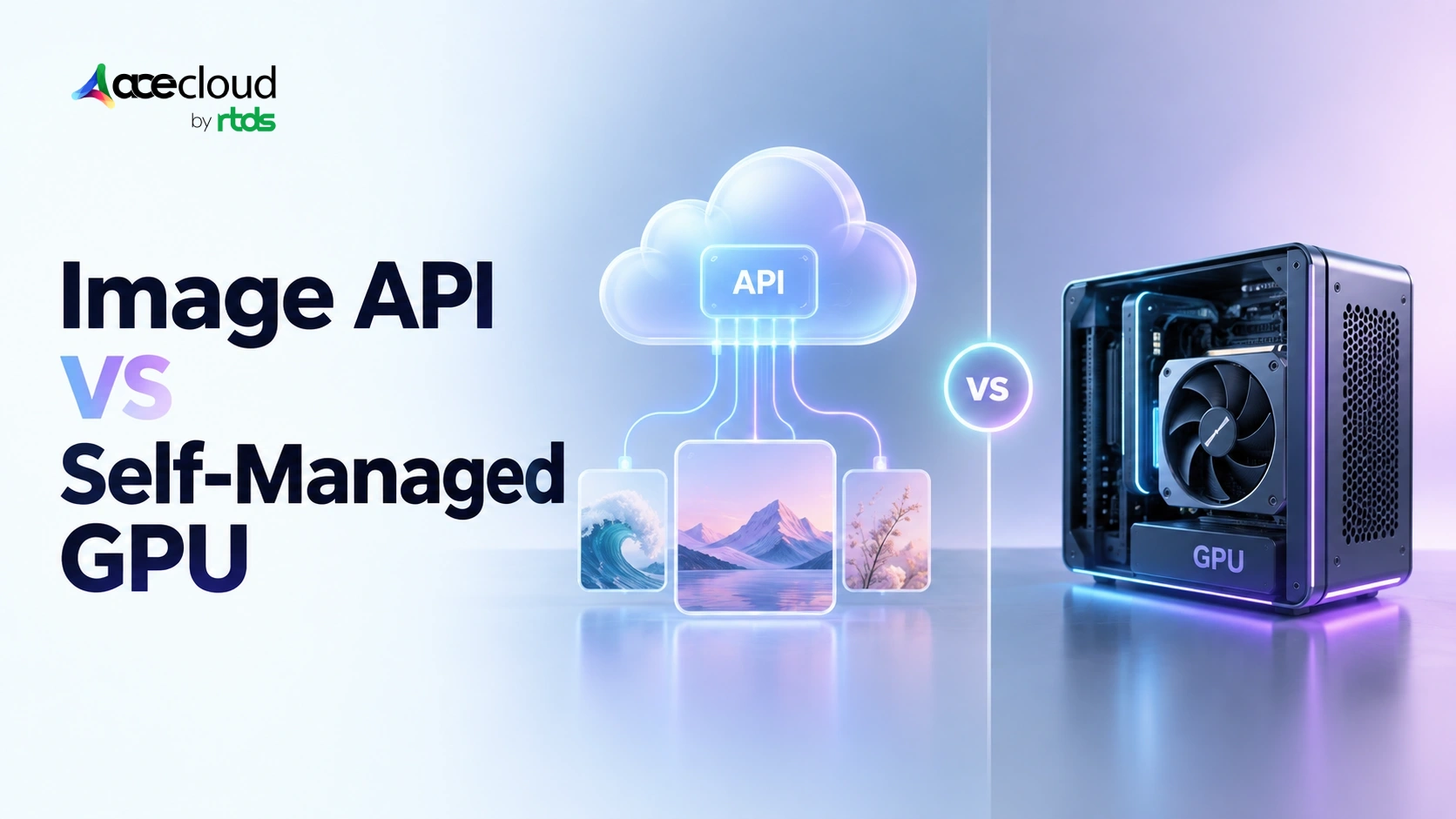
Image generation API pricing looks simple until compared with self-hosted FLUX. APIs charge per image, token, or megapixel, while self-hosting turns cost into a GPU utilization and operations problem. APIs suit low or spiky demand. At sustained volume, FLUX can become cheaper, but only after accounting for licensing, rejects, utilization, infrastructure overhead, and quality-adjusted acceptance rates.
Viral image features can turn a few cents per generation into a serious infrastructure bill. At Nano Banana 2’s standard 1K rate of $0.067 per image, 100,000 outputs cost about $6,700 before retries, edits, or rejected results. Google Batch lowers that to roughly $3,400, while self-hosted FLUX changes the economics entirely. You stop paying per image and start paying for GPU capacity, whether you fully use it or not.
That matters for workloads such as 80s Bollywood portraits, Studio Ghibli-style transformations, AI Action Figures, and Vintage Polaroids, where one accepted image may take multiple attempts. The real cost is shaped not just by generation price, but by retries, rejected outputs, editing inputs, and GPU utilization.
This guide compares Nano Banana 2, GPT Image 2.5, and FLUX.2 primarily on the metric that matters in production.
Why isn’t ‘Cost per Image’ One Number?
The biggest problem with most image-generation pricing comparisons is that the providers are not selling the same unit.
| Platforms | Billing Models | Current reference point |
|---|---|---|
| GPT Image 2.5 | Image and text tokens | $30/M image-output tokens |
| Nano Banana 2 | Image tokens mapped to resolution | $0.067 at 1K |
| FLUX.2 API | Megapixel-based | Klein 4B from $0.014 |
| Ideogram 4.0 | Per-image tier | $0.03 Turbo to $0.10 Quality |
OpenAI’s GPT Image 2.5 pricing, for example, separates text inputs, image inputs, cached inputs, and generated image tokens. Image output currently costs $30 per million tokens.
Google makes output pricing more explicit. Nano Banana 2, officially Gemini 3.1 Flash Image, costs $0.067 at 1K, $0.101 at 2K, and $0.151 at 4K under standard processing.
BFL uses another model. FLUX.2 Klein 4B costs $0.014 for its first megapixel and $0.001 for each additional megapixel through BFL’s hosted API.
Image editing makes the comparison even messier. Take something like a Ghibli-style portrait or an 80s Bollywood transformation. The workflow starts with an uploaded image, not just a text prompt. OpenAI can bill image-input tokens, while BFL can charge for reference-image megapixels.
Batch processing changes the numbers again. Google’s 1K Nano Banana 2 rate falls from $0.067 to $0.034 when using Batch. In other words, ‘cost per image’ is only useful once resolution, input images, quality settings, and processing mode are all part of the comparison.
Can We Normalize Every Model onto One Cost Axis?
A fair comparison needs a common unit. For this article, that unit is a 1024 × 1024 image, which works out to 1,048,576 pixels. BFL treats that as a 1MP image for billing. From there, the math becomes much easier.
For directly priced APIs:
Cost per 1,000 = price per image × 1,000
For megapixel billing:
Cost = billable megapixels × applicable MP price
For token pricing:
Cost = output image tokens × token rate ÷ 1,000,000
For a production workflow, there is an even more useful metric:
Cost per usable image = total generation spend ÷ accepted images
Nano Banana 2 provides a clean example. Google states that one 1024 × 1024 image consumes 1,120 output tokens, while standard image output costs $60 per million tokens. The calculation is:
1,120 × $60 ÷ 1,000,000
= $0.0672
which Google rounds to:
≈ $0.067 per image
Therefore:
1,000 × $0.067 = $67
BFL’s Klein 4B hosted API starts at $0.014 for the first megapixel, while FLUX.2 Pro starts at $0.03. BFL also explicitly says that resolution is rounded up to the next megapixel for billing.
GPT Image 2.5 requires more care. OpenAI currently publishes $30/M image-output tokens, but its own documentation says the GPT Image 2 calculator does not estimate GPT Image 2.5 token consumption.
So, the defensible formula is:
Actual GPT Image 2.5 output tokens × $30 ÷ 1,000,000
This distinction matters for image trends. A simple Vintage Polaroid may need one successful pass. An action-figure package with accurate likeness, accessories, typography, and branding may take several.
That is why businesses should compare cost per accepted output, not just cost per API request.
Which FLUX.2 Models Can You Legally Self-Host for Commercial Use?
Before doing any self-hosting math, check the license. This is one of the easiest parts of the comparison to get wrong. BFL’s official FLUX.2 repository lists Klein 4B and Klein 4B Base under Apache 2.0. Klein 9B variants and FLUX.2 Dev use BFL’s more restrictive non-commercial licensing.
That makes Klein 4B the most straightforward option for commercial self-hosting.
FLUX.2 Dev is a 32B model, and its license treats revenue-generating deployment as outside the non-commercial grant. At the same time, BFL says it does not claim ownership of the outputs generated by the model. FLUX Dev Non-Commercial License
That distinction matters:
Using an image commercially is not the same thing as commercially deploying the model that created it.
For a paid figurine generator, retro portrait app, or regional cinema transformation product, there are three practical routes:
- Use a hosted API with commercial rights.
- Obtain the appropriate self-hosting license.
- Use an Apache 2.0 model such as Klein 4B if it meets the workload.
BFL also documents commercial self-hosting options for eligible models. This is not a minor legal footnote. If a cost model assumes a non-commercial model can simply be deployed in production without licensing cost, the break-even result is already wrong.
What Hardware Does Running FLUX.2 Actually Require?
The second common mistake is assuming self-hosted image generation automatically means an H100. FLUX.2 Klein was designed specifically to reduce that barrier.
BFL’s June 2026 guidance lists approximately 13 GB VRAM for Klein 4B and 24 GB for Klein 9B. Its current official repository states that Klein 4B can fit in approximately 8 GB of VRAM, showing how implementation and optimization can change memory requirements.
| FLUX configuration | Published Guidance |
|---|---|
| Klein 4B | ~8–13 GB depending on runtime |
| Klein 9B | ~24 GB |
| FLUX.2 Dev reference | H100-class VRAM |
| FLUX.2 Dev, 4-bit + remote encoder | ~18 GB |
Quantization changes the economics further. Lower-precision implementations can reduce VRAM requirements and improve throughput, which may allow teams to use a less expensive GPU. Inference steps also matter. Distilled Klein models use four steps in BFL’s reference guidance, while Base variants use 50.
Fewer steps generally reduce GPU time per request. For a deeper model-by-model VRAM discussion, teams should evaluate memory requirements separately. In this article, the important point is how VRAM, precision, and inference speed affect cost.
How Should You Calculate the Real Cost of Self-Hosted FLUX.2?
The basic math is simple:
Images/hour = 3,600 ÷ seconds/image
Then:
GPU cost/image = GPU hourly rate ÷ images/hour
Or:
GPU cost/image = GPU $/hour × seconds/image ÷ 3,600
Production TCO Formula:
Production cost per accepted image = total monthly serving TCO ÷ accepted monthly images
Serving TCO can include:
GPU + CPU/RAM + storage + networking + orchestration + observability + engineering + moderation + licensing + redundancy + idle/headroom capacity
Utilization remains one of the most important variables. A July 16, 2026 independent benchmark tested FLUX.2 Klein 4B at 1024 × 1024, four steps, BF16 across several GPUs.
| GPU | Warm Latency | Images/Hour | GPU Cost/1K Warm Images |
|---|---|---|---|
| L4 | 4.913 sec | 733 | $1.091 |
| L40S | 1.899 sec | 1,896 | $1.029 |
| A100 40GB | 1.874 sec | 1,921 | $1.093 |
| H100 80GB | 1.234 sec | 2,917 | $1.354 |
The interesting result is that the H100 was faster, but the L40S had the lower estimated GPU cost per 1,000 warm images under that provider’s rates. So, faster GPU does not automatically mean cheaper image generation.
AceCloud offers a 1× L40S 48 GB configuration with 16 vCPUs and 64 GB RAM at ₹142.12/hour or ₹83,000/month in Noida. If we combine that monthly rate with the independent benchmark’s 1,896 warm images/hour purely as a sensitivity model:
| Utilization | Productive Images/Month | Modelled Infra Cost/1K |
|---|---|---|
| 25% | ~346,000 | ~₹240 |
| 50% | ~692,000 | ~₹120 |
| 75% | ~1.04M | ~₹80 |
| 100% | ~1.38M | ~₹60 |
Note: These are modelled figures, not AceCloud benchmark results.
They also leave out rejected outputs, storage, networking, engineering, cold starts, and any applicable licensing cost. Rejects alone can change the economics quickly. Idle or underused capacity has its own hidden cost too. See our breakdown of the idle VRAM tax in AI inference.
Suppose an AI action-figure workflow rejects 20% of its outputs:
Cost per accepted image = generation cost ÷ 0.80
A nominal $0.05 generation becomes:
$0.0625 per accepted image
Cold starts matter as well. In the same independent test, the L40S took 4.288 seconds for the first image, compared with 1.899 seconds once warm.
Methodology: Self-hosted figures in this article are modelled from published third-party throughput and current AceCloud pricing. They were not measured by AceCloud in-house. Actual results depend on runtime, precision, quantization, batching, drivers, concurrency, and workload.
At What Volume Does Self-Hosted FLUX.2 Break Even?
A simple break-even formula is:
Break-even images/month = fixed self-host cost ÷ (API cost per usable image – self-host variable cost per usable image)
The answer changes depending on what the workload looks like. Take an 80s Bollywood Look generator built for a one-week marketing campaign. Traffic may spike sharply and then disappear. An API is attractive because the company does not pay for idle GPU capacity after the campaign ends.
Now compare that with an always-on platform generating Ghibli-style portraits, action figures, Polaroids, retro photos, and regional cinema looks every day. If volume is predictable enough to keep GPUs busy, fixed infrastructure becomes much easier to amortize. Batch pricing can delay that crossover.
Nano Banana 2 currently costs:
Standard 1K = $0.067
Batch 1K = $0.034
At 100,000 outputs:
Standard = $6,700
Batch = $3,400
before other workflow costs. That is why a meaningful break-even model needs volume, API rate, GPU price, throughput, utilization, reject rate, licensing, and supporting infrastructure in the same calculation.
Many of these overlooked line items fall under what we call hidden cloud GPU costs, worth reviewing before finalizing a break-even model.
Important Note: These are not recommendations or universal break-even volumes. They are sticker-price crossover points that deliberately exclude self-hosting overhead and output-quality differences. Once rejects, engineering, storage, redundancy, and spare GPU capacity are added, the real crossover moves higher. If one model also needs more retries to produce an acceptable image, compare accepted outputs, not requests.
How Does the Cost Equation Change for Indian Teams?
For Indian businesses, currency adds another variable:
INR API cost = USD bill × USD/INR rate
The rupee was trading around ₹96 per US dollar in mid-September 2026, but the rate should be updated on publication day rather than hard-coded into a long-lived financial model.
AceCloud provides GPU pricing directly in INR. Current Noida entry configurations include:
- NVIDIA L4 24 GB: ₹62.89/hour or ₹36,730/month.
- NVIDIA L40S 48 GB: ₹142.12/hour or ₹83,000/month.
That is relevant for high-volume India-focused workloads such as 80s Bollywood or regional retro-cinema transformations.
Photo-based applications should also map where user images are processed, how long they are retained, which processors receive them, and what transfer requirements apply. India’s DPDP framework does not create a blanket rule that every uploaded image must remain in India, so data-flow architecture should be evaluated based on the applicable obligations rather than assumed localization.
For a fuller breakdown of what these rules mean for cloud-hosted workloads, see our guide on DPDP rules for cloud service providers.
How Should You Decide Between an API and Self-Hosted FLUX?
| Use an API when | Self-host when | Consider Klein 4B when |
|---|---|---|
| Demand is low or unpredictable | Demand is sustained | Apache 2.0 matters |
| You want minimal infrastructure work | GPUs stay busy | Interactive speed matters |
| Models change often | Infrastructure control matters | Lower VRAM is useful |
| The workload is temporary | Generation is a core product feature | Commercial simplicity matters |
| Spikes are hard to predict | Queueing and latency control matter | Runtime fits required quality |
A temporary Vintage Polaroid campaign may make more sense on an API. An always-on platform processing hundreds of thousands of transformations every month may justify fixed GPU capacity.
The metric to optimize is not the cheapest API call. It is cost per accepted image at the quality, latency, legal, and reliability level your product actually needs.
Run this Workload on AceCloud
For workloads that point toward self-hosting, AceCloud offers multiple GPU classes rather than forcing every image-generation deployment onto flagship hardware.
A 1× NVIDIA L4 24 GB configuration currently starts at ₹62.89/hour or ₹36,730/month in Noida. A 1× NVIDIA L40S 48 GB configuration starts at ₹142.12/hour or ₹83,000/month.
For a closer comparison of when each card makes sense, see our guide on NVIDIA L4 vs L40S GPU.
The right choice depends on the FLUX variant, precision, VRAM requirement, concurrency, target latency, and utilization. Higher-end GPUs should be justified by throughput or memory requirements, not selected simply because they are faster.
For Indian teams, INR-denominated GPU pricing can also make capacity planning easier to compare against variable USD-denominated API spend.
The order of decisions should be:
Choose the model → define quality and throughput → estimate utilization → select the GPU.
When Does Self-Hosted Image Generation Start to Make Sense?
API pricing works well when demand is low, unpredictable, or campaign-driven. Self-hosting starts to make more financial sense when image generation becomes a steady, high-volume workload and GPU capacity can stay productive.
That is the real takeaway from the math. The decision should not be based on headline cost per image alone, but on utilization, reject rate, licensing, latency, and cost per accepted output.
For teams reaching that crossover point, AceCloud provides GPU infrastructure such as NVIDIA L4 and L40S with INR-based pricing and India-hosted deployment options.
If your image-generation API spend is scaling faster than your workload economics, Book a Free Consultation with AceCloud to model your break-even point and size the right GPU configuration.
Frequently Asked Questions
It can be at sustained utilization. Compare complete infrastructure cost with API cost per accepted output, rather than comparing an API rate against a warm GPU-only benchmark. The July 2026 FLUX.2 Klein benchmark explicitly reports warm GPU costs under its particular provider and configuration.
BFL permits commercial use of outputs subject to its terms, but the downloadable FLUX.2 Dev model itself is distributed under a Non-Commercial License. Production or revenue-generating use of the model requires an appropriate commercial route. If permissive commercial self-hosting is important, Klein 4B is Apache 2.0.
It depends on variant, precision, quantization, and runtime. BFL’s June 2026 documentation lists approximately 13 GB for Klein 4B and 24 GB for Klein 9B, while its current repository now says Klein 4B can fit in approximately 8 GB.
Yes. Google’s current Nano Banana 2 pricing falls from $0.067 to $0.034 for a 1K image when moving from standard to Batch processing.
It can. Image-editing workflows may bill reference-image inputs in addition to generated output and can also require more retries before an acceptable result is produced.
There is no universal threshold. It depends on API price, GPU cost, throughput, utilization, rejected outputs, workload shape, license expense, and supporting infrastructure.
With an API, processing follows the provider’s service architecture and terms. Self-hosting gives the operator more direct control over infrastructure region and processing path, but compliance still depends on how the application handles, stores, secures, and deletes user data.