
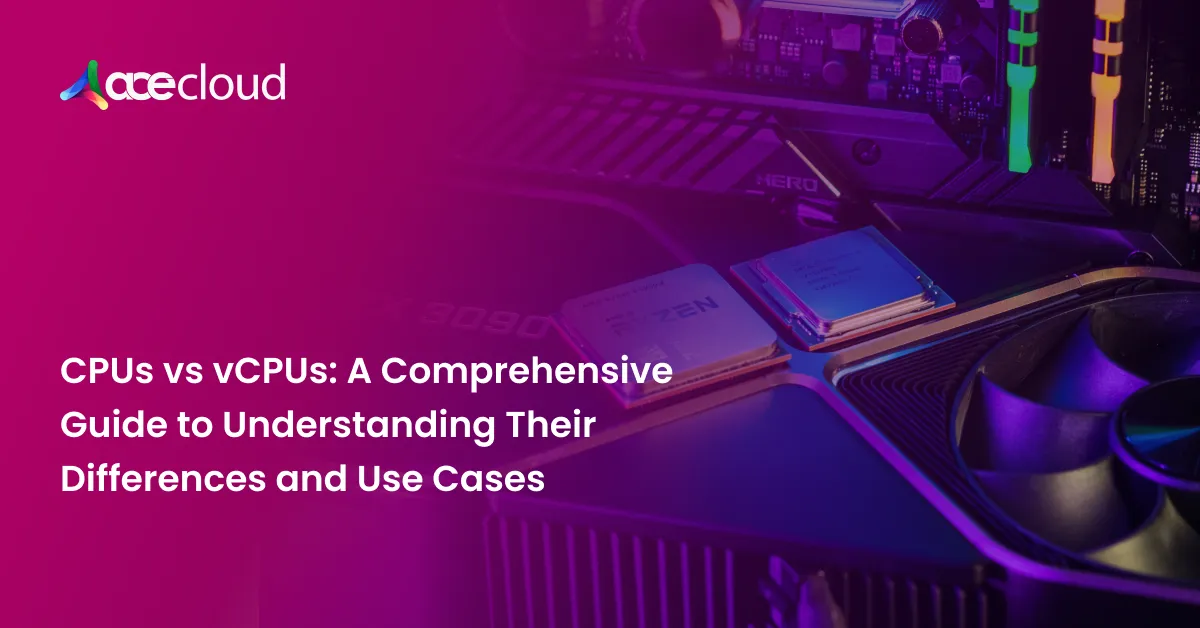
With the maturity of cloud computing and the widespread use of virtualization techniques, it has quickly become essential for people managing cross-tier workloads on physical and virtual systems to understand what CPUs vs vCPUs mean.
These two enable computation activities but have served different, though related, purposes in infrastructure. The “brain” of a physical computer is the CPU, which processes all the core processing at the hardware level. In contrast, vCPUs are virtual entities derived from physical CPUs and are in actual computing power within VMs of cloud infrastructure.
Understanding the distinction between vCPUs and CPUs—and their conversion, performance, cost, scalability, and use cases—helps enterprises make informed decisions regarding workload placement, resource utilization, and cloud spending.
This article identifies those areas, elaborating on the main technical differences, describing how vCPUs are converted, and detailing best-fit use cases for each.
Difference Between CPUs and vCPUs
| Aspect | CPU | vCPU |
| Technological Foundation
| Hardware processors possess at least one core, which functions as an individual processing unit. The workload processing and control are done natively on the CPU and do not incur virtualization overhead. | A hypervisor runs on top of an abstraction created based on a CPU, which manages the CPU’s physical resources and maps them to VMs. Resource pools become more crucial, so vCPUs find their place in multi-tenant systems. |
| Performance | Ensure consistent and high processing power. With direct control over computing tasks, CPUs provide low latency and high speed and are optimum for high-performance applications. Physical CPUs can deal with complex tasks in real-time, thus achieving low overhead and direct memory access. | Based on software, the units require the physical CPU to run tasks. vCPUs may also introduce latencies that can be seen as minimal, as the coordination of the virtualized layers and the actual physical CPU add to latency. Scheduling policies determine how the hypervisor allocates CPU resources to each vCPU, which may induce performance variation when handling heavy workloads.
|
| Cost | Investment in CPUs usually involves physical hardware, installation, and maintainability. CPUs are once-paid-for investment appliances but can require maintenance or upgrades if workloads expand, thereby costing more in high-demand applications unless justified by long-term processing needs.
| Cloud models operate on a “pay-as-you-go” basis with the vCPUs, saving money and making them good for application scaling. Enterprises do not invest in hardware; they use processing power and pay by virtual CPU usage. A cloud provider always adjusts his resource allocation as much as possible, cutting down waste, upfront expenses, and maintenance. |
| Scalability | Adding more physical processors or upgrading existing ones with scaling on CPUs means a process that leads to potential downtime or operational disruption. Although consistency is better in CPUs, the costs of scaling and the infrastructure involved make it less agile to scale physically.
| Provides unprecedented scalability in cloud infrastructure by dynamically adding vCPUs to a VM within minutes. Such elasticity enables speedy responses to higher demand without changing hardware, which is very ideal for applications that scale frequently or unpredictably. Virtualized CPU resources allow for smooth growth without the cost and time involved in adding hardware. |
Recommended Read: vCPU vs Core vs Thread: What’s the Difference and Why It Matters?
How are CPUs Converted into vCPUs?
1. Virtualization and Hypervisors
Creating vCPUs from CPUs depends on virtualization, which a hypervisor supports. A hypervisor allows partitioning a physical CPU’s resources into isolated, virtual instances called vCPUs. Hypervisors are crucial to cloud environments and come in two main types:
- Type 1 Hypervisor (Bare Metal): This type runs directly on the hardware, which means it manages resource allocation without a base OS. It has lower latency and better resource management.
- Type 2 Hypervisor (Hosted): This type depends on an existing OS and runs as a program inside it. It is generally used for local virtual environments or testing.
2. vCPU Core Allocation
If the physical CPU comprises more than one core, each core can handle two or more processing threads due to Intel Hyper-Threading technology and AMD’s simultaneous multithreading. Hypervisors translate the cores and threads into vCPUs by distributing them over different virtual machines. According to performance needs, resource availability, and hypervisor scheduling, each vCPU maps onto a thread or a core.
3. Resource Scheduling and Time-Slicing
The hypervisor uses scheduling algorithms to distribute CPU cycles between vCPUs based on priority and load requirements. Because several vCPUs may share the same physical core, scheduling algorithms determine which vCPU can access CPU resources anytime. The process, called time-slicing, optimizes performance across multiple VMs. For example, in cloud platforms, vCPUs are often mapped at a 2:1 or higher ratio to physical CPU cores, maximizing hardware utilization without overloading the CPU.
Limitations and Consideration
Even though the virtualization model allows support of multiple vCPUs on a core, the minor latency over physical CPUs, as compared with the latter, happens mainly while under heavy computational load. Moreover, a vCPU, in performance, is closely dependent on hypervisor-based scheduling. So, such applications require more than average resource allocation and can have occasional slight fluctuations in performance as well.
Usage of vCPUs and Physical CPUs by Cloud Infrastructures:
Choose between CPUs and vCPUs according to workload needs, sensitivity to performance, and cost. Here are some of the key use cases for each, described according to when one outperforms the other:
Best Use Cases for CPUs
1. High-Performance Computing: Physical CPUs are the best fit for highly computationally intensive tasks such as scientific simulations, training large-scale AI models, and massive data analytics. These devices have very low latency and provide real-time processing, which makes them suitable for applications that require maximum computational power.
2. Embedded Systems and IoT: Embedded devices always operate on predictable workloads in industrial automation, automotive systems, or consumer electronics. CPUs in such applications ensure stable performance even in highly constrained environments.
3. Database Management: Databases that support complex queries can greatly benefit from a single-core dedicated CPU because the latter can minimize query response time. A CPU’s physical strength in terms of processing means high-performance stability for big, high-transaction enterprise databases.
Best Use Cases for vCPUs
1. Web and Mobile Applications: With mobile backend services, the vCPUs will allow web applications hosted on cloud to benefit from ways that allow the amount of processing power to be adjusted with variable traffic loads to maximize the use of resources during peak times without such heavy upfront costs.
2. Dev, Test, and QA Environments: vCPUs allow a development team to create virtual testing environments that are precisely like production environments. This solution makes testing and debugging cheap and allows teams to scale up or down easily.
3. Containerized Applications: One of the simplest ways to control the vCPUs is container orchestration software like Kubernetes. As a result, based on these vCPUs, varying degrees of flexible resource allocation have become simple for every container according to each application’s different requirements. The containers are kept inside the vCPUs for appropriate handling of scale and microservices.
4. Disaster Recovery and Backup: vCPUs allow resource scalability, especially during DR recovery and failovers. With this vCPU-based DR, recovery, and failover will save money as idle processing power is not wasted.
Conclusion
Choosing between CPUs and vCPUs depends on your workload’s performance needs, scalability requirements, and budget constraints. Physical CPUs deliver consistent, high-performance computing power for intensive tasks like scientific simulations and database management. While vCPUs provide enhanced flexibility and cost efficiency for scalable cloud-based applications, development environments, and disaster recovery solutions.
AceCloud empowers businesses to leverage these technologies effectively with tailored cloud solutions, ensuring optimized resource allocation and seamless scalability. Whether you need physical or virtual computing resources, our expertise ensures your infrastructure aligns with your business goals. Book a free consultation with an AceCloud expert today.

Related Post







Get in Touch

Credits First!
- 24*7 Human Support
- Pay-as-you-go Pricing
- No Egress Cost
- Multi Tier Security